Want to learn the software recognized by the Academy? Adobe After Effects has not only been awarded for its scientific and technical achievements, but it is also the industry-standard software for motion graphics design, video compositing, and animation. It’s the tool of choice for artists, animators, and post-production professionals who strive to create content for TV, film, video, and the web.
In this Best Courses Guide (BCG), we’ve selected the best Adobe After Effects online courses for you from the over 700 Adobe After Effects courses on our catalog, including popular options from Coursera, LinkedIn Learning, and YouTube. If you want to create video intros, animate titles, or add effects to your videos, this guide is for you.
If you’re interested in learning the basics of video editing first, check out our BCG on Adobe Premiere. And check our other BCGs below.
Click on the shortcuts for more details:
- Our Top Picks
- Why are Adobe After Effects Skills Important?
- BCG Stats
- Why You Should Trust Us
- How We Made Our Picks and Tested Them
Our Top Picks





Why are Adobe After Effects Skills Important?
According to the U.S. Bureau of Labor Statistics, the median annual wage for special effects artists and animators was $99K in 2024. You can find more information on the employment and wages of special effects artists and animators here.
BCG Stats
- Combined, these courses have accrued over 48K enrollments and 6.2M YouTube views
- 4 courses are free or free-to-audit and 4 courses are paid
- 3 courses offer a certificate
- The Adobe After Effects subject is followed by 11.2K learners on Class Central.
Best Adobe After Effects Bootcamp with Live Sessions (Noble Desktop)

If you prefer instructor-led learning, Noble Desktop’s After Effects Bootcamp offers real-time feedback and accountability that pre-recorded courses can’t match.
An interesting aspect of this program is that it runs both in-person (NYC campus) and online (Zoom). Even if you’re attending online, you’ll have individual attention and can see other students in the classroom. You’ll be able to interact with instructors, receive feedback, and ask questions during sessions. Plus, you’ll get access to class recordings and workbooks – pretty helpful for catching up if you miss a class or reviewing what you learned.
Key Benefits
- Small class sizes (8-15 students)
- Free retake within one year
- Detailed class files with real-world projects
- Supplemental after-class projects and video suite
- Can be upgraded to include Adobe After Effects certification training
Noble Desktop knows what they’re doing – they’ve been around for over three decades providing instruction with industry experts. So you can rest assured your mentorship will not be with someone who just finished the course. Don’t take my word for it – student reviews on Yelp and Google praise their practical approach and instructor quality.
What You’ll Learn
- Animate photos, graphics and text using After Effects
- Animation and design principles
- Post production techniques necessary for professional animators and editors
- Incorporating After Effects files seamlessly by importing and animating Photoshop, Illustrator, and audio files
Flexible Schedule Options
- 3 days full-time (weekdays)
- 3 weeks part-time (6 evenings)
This course can be upgraded to include Adobe After Effects certification training, which includes additional extra mentoring and enrollment in the Adobe Adobe Certified Professional exam and a NY State-Licensed Certificate.
“After Effects Bootcamp was a very informative class! The topics covered are very practical and immediately applicable. It’s not only useful for learning the software, but also for efficiency and organization.” – Pat Garcia, Noble Desktop learner.
| Provider | Noble Desktop |
| Instructor | Jerron Smith, Stephan MacGillivray, Dan Rodney, Jordon Bolden, Gerry Ruffman |
| Level | Beginner |
| Workload | 18 hours |
| Rating | 4.8/5.0 (Yelp) and 5.0/5.0 (Google) |
| Certificate | Paid |
Free Alternative: Adobe After Effects for Beginners (Gareth David Studio)
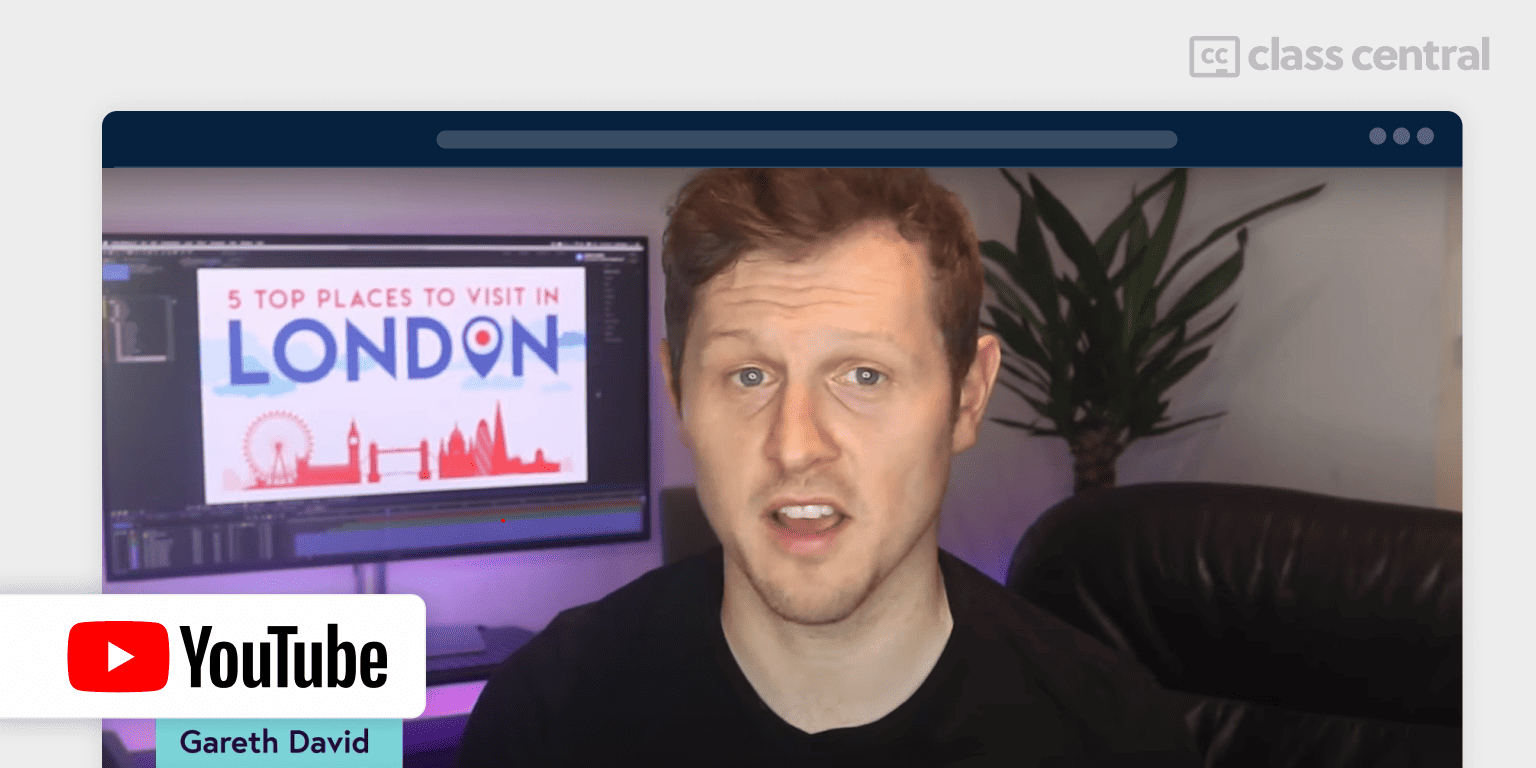
Learn Adobe After Effects is a free video tutorial made for beginner designers. You can use both the latest version of After Effects or an older one, since this course teaches you the basics of the software, you should be able to follow along simply by downloading the practice files (paid). By the end of this course, you’ll be able to create your very own video presentation in After Effects.
In this course, you’ll learn:
- Introduction to After Effects: interface, layers, timeline, compositions, and project management.
- Animation basics: keyframes, video and text animation, easing, and time stretching.
- Advanced techniques: precomposing, file import, shape creation, pen tool usage, effects, transitions, color correction, adjustment layers, blending, and masking.
- Complex animation: track mattes, using null objects, parenting, and synchronization with music.
- Video editing skills: sequence editing, layout design, duplicating animations, animating stills, and creating 2D scenes.
| Channel | Gareth David Studio |
| Provider | YouTube |
| Instructor | Gareth David |
| Level | Beginner |
| Views | 4.2M |
| Workload | 15 hours |
| Certificate | Not available |
Best Short Introduction to After Effects (Envato Tuts+)
After Effects for Beginners is another great free tutorial to help you become a pro motion designer quickly. Aimed towards complete beginners, this course starts from the very basics of After Effects and moves up to more advanced techniques. You’ll also get a chance to practice your new skills using the downloadable files provided.
In this course, you’ll learn:
- After Effects fundamentals: interface, settings, and tools.
- Core techniques: composition, layer properties, keyframing, and interpolation.
- Creative elements: masking, shape layers, text animation, and 2.5D.
- Advanced skills: motion and camera tracking, 3D text, mattes, effects (including third-party), creating lower thirds, and exporting.
| Channel | Envato Tuts+ |
| Provider | YouTube |
| Instructor | Dave Bode |
| Level | Beginner |
| Views | 1.9M |
| Workload | 4-5 hours |
| Certificate | Not available |
Best AI and Machine Learning Tools for After Effects Course (LinkedIn Learning)
Launched in 2023, AI and Machine Learning Tools for After Effects is a practical course exploring cutting-edge AI and machine learning tools within Adobe After Effects, designed to enhance workflow efficiency and creative possibilities. Learn to leverage automated solutions for complex tasks while maintaining creative control over your projects.
You’ll learn:
- Interface customization
- Advanced Roto Brush techniques and next-generation rotoscoping tools
- Mask Prompter implementation
- Automated keying solutions
- Human subject matting, face detection, and privacy tools
- Content-aware fill mastery including AI-powered text effects, text-to-image generation, Photoshop generative fill integration, motion tracking with generated content, and direct AI interaction methods
- Footage enhancement: super slow motion generation, resolution upscaling, cartoon style conversion, video colorization techniques, reference-based color matching, low-light enhancement, noise reduction, and motion blur removal
- Advanced AI tools: depth map generation, GPT-assisted scripting, video enhancement solutions, runway AI integration
- Future developments and applications.
| Provider | LinkedIn Learning |
| Instructor | Eran Stern |
| Level | Intermediate |
| Workload | 2 hours |
| Enrollments | 8.0K |
| Rating | 4.9/5.0 (54) |
| Certificate | Paid |
Domestika’s Best: Fundamentals of Animation in After Effects
Fundamentals of Animation in After Effects, as the name suggests, will teach you the fundamentals of motion design using Adobe After Effects. In this project-based course, you’ll explore techniques like dynamic typography, character animation and motion tracking to create a unique showreel with After Effects.
This course includes:
- Animation fundamentals: interface, showreel creation, character rigging, walk cycles, handwriting effects, kinetic typography, expressions, and HUD design.
- Advanced techniques: motion tracking, parallax effect, titles, transitions, green screen work, and color grading.
- Showreel development: song selection, blocking, and assembly.
- Final project: Crafting a personal showreel for a motion graphics portfolio.
| Provider | Domestika |
| Instructor | Michael Tierney |
| Level | Beginner |
| Workload | 3 hours |
| Enrollments | 6.2K |
| Rating | 99% (188) |
| Certificate | Paid |
Skillshare’s Best: Animating With Ease in Adobe After Effects
Animating With Ease in Adobe After Effects is designed for intermediate users with basic After Effects knowledge. It focuses on mastering the graph editor for refined motion design. Beginners should first complete Animating With Ease in Adobe After Effects (V1) or a similar foundational course from this BCG.
Course content includes:
- Preparing artwork and organization.
- Utilizing speed and value graphs.
- Perfecting motion paths and roving keyframes.
- Integrating the graph editor with various properties.
- Fine-tuning anchor points, overshoots, and keyframes.
- Enhancing animations with details and loops.
- Exporting animations as GIFs.
- Exclusive bonus: a graph editor demonstration.
| Provider | Skillshare |
| Instructor | Jake Bartlett |
| Level | Intermediate |
| Workload | 3 hours |
| Enrollments | 34.4K |
| Rating | 4.7/5.0 (769) |
| Certificate | Not available |
Best Project-based Tutorial on YouTube for Beginners (Olufemii)
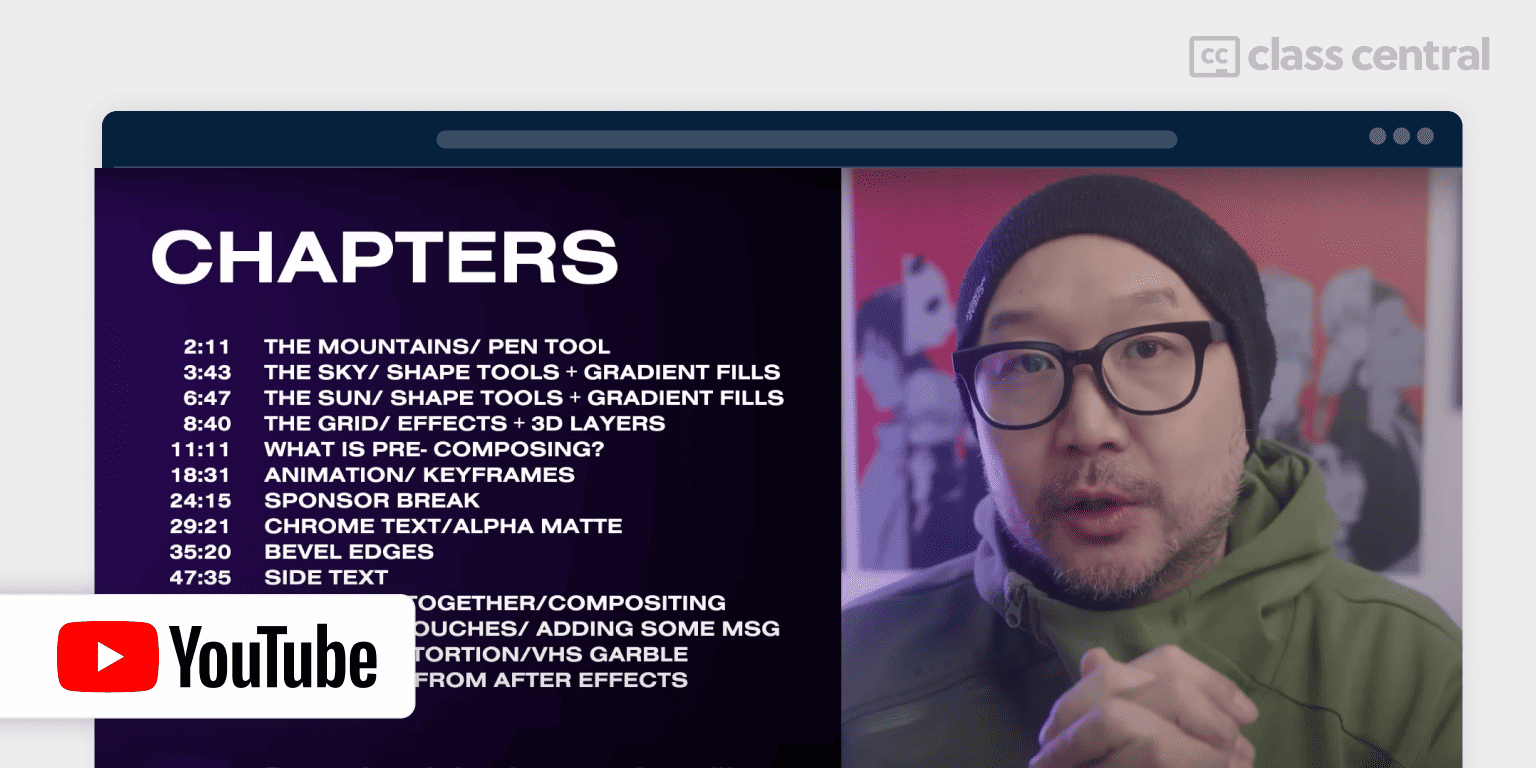
Learn After Effects 2022 | Beginners Tutorial is a concise, project-driven, and free 60-minute video tutorial for mastering Adobe After Effects basics, enhancing motion graphics, and VFX skills. Practice files are provided for hands-on learning alongside the instructor.
The course covers:
- Utilizing shape tools and gradient fills.
- Working with grid effects and 3D layers.
- Techniques in pre-composing and keyframe animation.
- Creating chrome text effects and using alpha mattes.
- Applying bevel edges and side text for depth.
- Skills in compositing and applying finishing touches.
- Introducing distortion effects.
- Exporting projects from After Effects.
| Channel | Olufemii |
| Provider | YouTube |
| Instructor | Nick Khoo |
| Level | Beginner |
| Views | 154K |
| Workload | 1 hour |
| Certificate | Not available |
Adobe Creative Cloud Resources (Adobe Creative Cloud)
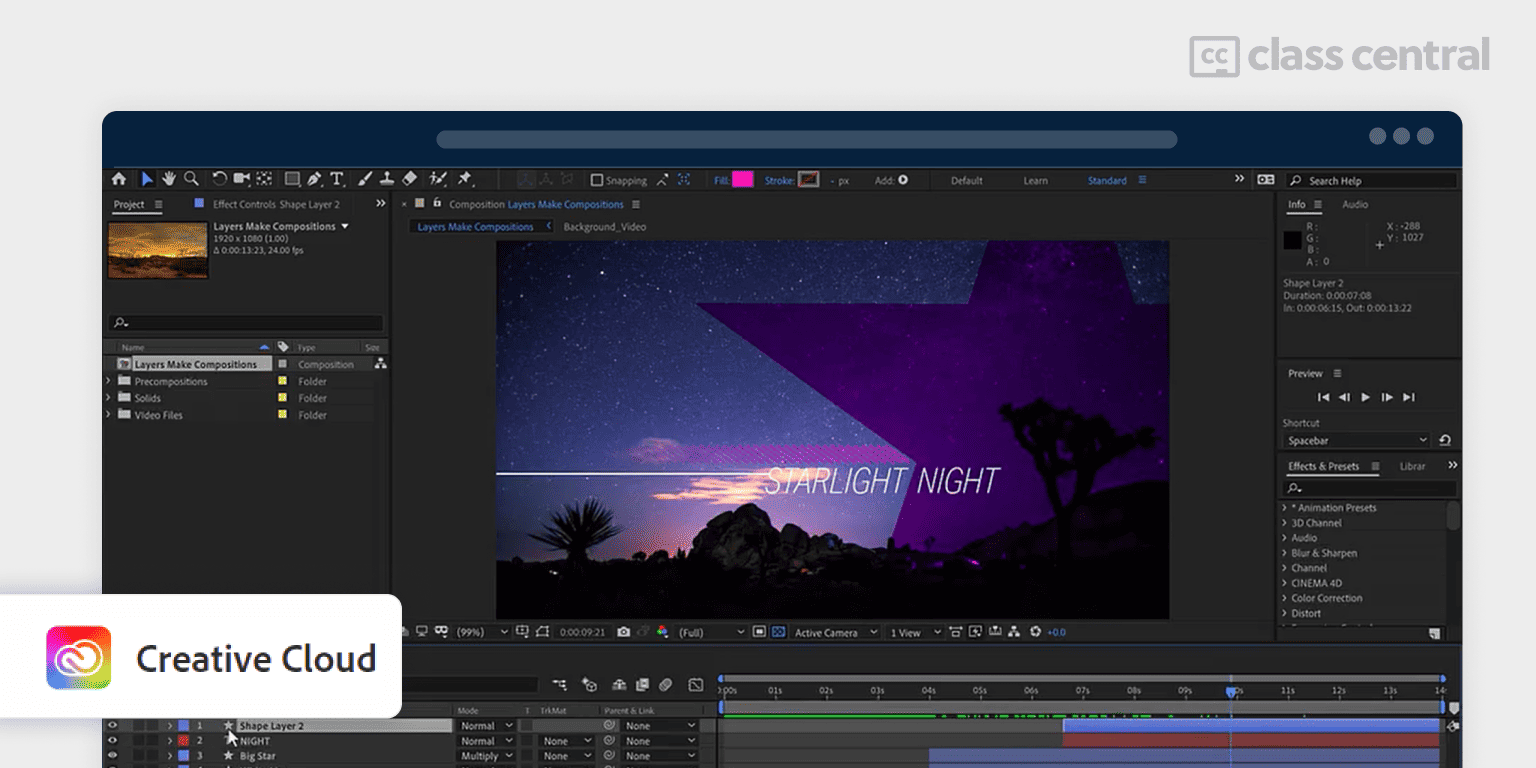
The creators of After Effects offer free tutorials, including articles with demo videos, to supplement your learning journey. These resources can be used on their own or to complement other courses in this guide and are designed to fit various skill levels, with options to sort by duration or relevance.
The tutorials cover a wide range of topics:
- Animation: Social media and video animation, advanced techniques, basics, and projects involving logos, text, shapes, and infographics.
- Workflow: Enhancing efficiency, using Creative Cloud, templates, presets, and libraries.
- Effects: Techniques for applying and adjusting effects, and correcting motion blur.
- Layers: Formatting text layers, foundational layer skills, and advanced methods like painting, cloning, and rotoscoping, as well as positioning and scaling.
- Projects: Creating hand-drawn titles and graphics, animating logos and text, green screen editing, VFX with tracking, adding 3D elements, designing movie titles, and working with VR and Cinema 4D Lite.
| Institution | Adobe Creative Cloud |
| Level | Mixed |
| Workload | 2-3 hours |
| Certificate | Not available |
Why You Should Trust Us
Class Central, a Tripadvisor for online education, has helped 100 million learners find their next course. We’ve been combing through online education for more than a decade to aggregate a catalog of 250,000 online courses and 250,000 reviews written by our users. And we’re online learners ourselves: combined, the Class Central team has completed over 400 online courses, including online degrees.
How We Made Our Picks and Tested Them
Trying to find “the best” can be daunting, even for those of us who live and breathe online courses. Here’s how we approached this task.
First, we combed through Class Central’s Catalog and the internet to find a variety of free and paid courses.
Second, when choosing courses, we considered the following factors:
- Renowned Institutions: We picked the most recognized institutions in After Effects and Video production.
- Instructor experience: We looked for instructors with extensive experience in Adobe After Effects.
- Course content: We looked for courses that covered a wide range of topics, from the basics to more advanced techniques.
- Student reviews: We read student reviews (when available) to get a sense of the quality of each course.
To evaluate each course, We watched some of the course videos and read the course syllabus. We also looked at the course’s rating and reviews on Class Central and provider sites.
Ultimately, We used a combination of data and our own judgment to make these picks. We’re confident these recommendations will provide you with the knowledge to take your first steps in becoming a special effects artist or animator.
Note: Fabio and Pat revised later versions of this guide.
The post 8 Best Adobe After Effects Courses for 2025 appeared first on The Report by Class Central.