If you’ve clicked your way to this article, chances are you’ve interacted with Linux in some form, perhaps without realizing it.
From powering the servers that host your favorite websites to running on the smart devices in your home and pocket, this global yet often invisible operating system has been a foundational element in the tech world for decades.
But here’s the thing: despite its prevalence, Linux remains a bit of a mystery to many. That’s about to change!
Our Best Courses Guide caters to various interests and skill levels, whether you want to gain complete control over your desktop experience, establish your own Linux server, or aspire to a career in SysAdmin or DevOps. And the best part? You don’t need to spend a dime to get started.
Discover why Linux is the preferred operating system for approximately 50% of development environments and 90% of the cloud infrastructure. Whatever your Linux-related goals may be, we’re confident that you’ll find a course to match your needs right here.
Click on the shortcuts for more details:
Our Top Picks





What is Linux?
Linux is an operating system, much like Windows or macOS, but with a few key differences that make it a unique and powerful choice for many users.
Its story begins in 1991 with its creator, Linus Torvalds. Torvalds started Linux as a personal project, a “hobby that won’t be as big and professional like GNU.” However, what started as a small-scale endeavor quickly grew beyond his expectations. Today, Linux is a globally maintained project with over 14,000 contributors, running on 96% of the top one million web servers and 85% of smartphones.
How could a mere hobby project transform into a globally recognized powerhouse of an operating system?
This is the first key difference between Windows / MacOS and Linux. Linux is open-source. This means that anyone with the skills and interest can contribute to its development, leading to a rich ecosystem of different versions, or ‘distributions’, tailored for various needs: Ubuntu for beginners and servers, Arch Linux for cutting-edge software, Kali Linux for security professionals, Rocky Linux for enterprise use, and so on.
Another major difference is flexibility and security. It just has a better developer experience. Users can tweak almost every aspect of the operating system to suit their needs, from the appearance and layout of the desktop environment to the underlying system services and kernel behavior, and even the file system! And that’s why even though Linux makes up only 2.94% of global desktops, nearly half of software developers call Linux their preferred development environment.
For those interested in pursuing a career in System Administration or DevOps, learning Linux is crucial. It’s the backbone of many servers and cloud infrastructures, making familiarity with Linux a highly sought-after skill in these fields.
On a personal level, using Linux can be a rewarding experience for those who love to explore and tinker. It’s also a great way to revive older computers, as many Linux distributions run smoothly on less powerful hardware, giving your old laptop a new lease on life.
How I use Linux
Wanna know my personal experience switching over to Linux from Windows? For the ten or more of you who are interested, I’ve been using Arch Linux as my daily driver for more than a month now, and I have to say I really enjoy how free it is. Not free as in free lunch, but rather free as in freedom. You don’t need to fight against the operating system just to change a certain feature or look. Plus, the command line is really handy to use as a developer, and many important development tools were made specifically for it.
If you’re planning on using Linux on your personal computer, I should caution you that it might be frustrating at first. However, I guarantee it is worth the effort — even if you decide it won’t replace your main OS anyways. Make sure to consult the forums and wiki if you need help, the Linux community welcomes all.
BCG Stats
- All courses in this ranking are free or free-to-audit
- Four of the courses offer free certificate or badge upon completion
- More than 14K people are following the Linux subject on Class Central.
Best Comprehensive Text-Based Introduction to Linux for Beginners (Linux Foundation)
The Linux Foundation’s Introduction to Linux stands out as a supremely detailed, beginner-friendly, and free-to-audit course, available in English and Spanish.
Whereas other courses brush over the small details, this 14-weeks long text-based course assumes nothing and instead meticulously guides newbies through Linux’s nuances, including the graphical user interface often overlooked by most Linux courses.
Thus if you’re someone who plans to use Linux as their daily driver or hoping to secure that juicy system administrator job, this course will help you achieve just that!
What will you learn in this course?
First, you’ll introduce different Linux families (Red Hat, SUSE, or Debian) and their philosophies. You’ll pick one, install it, and then explore its basic system startup processes, graphical interface, and system settings. It may look and feel familiar Windows or MacOS, but don’t be fooled — there are major differences underneath the hood.
For instance, working with the command line is a fundamental skill for any Linux user. You’ll embrace the terminal and discover how you can automate tedious tasks with Bash scripts. You’ll also learn how to navigate your file system with it, and even customize user environment customization, manipulate text with text editors, troubleshoot network-related problems, and all other sorts of advanced operations just by writing and executing commands!
Graded exercises are only available to verified learners. Though there are ungraded exercises like Try-It-Yourself exercises and labs, I recommend that auditors supplement this course with other practical courses in this BCG.
| Institution | The Linux Foundation |
| Provider | edX |
| Instructor | Jerry Cooperstein |
| Level | Beginner |
| Workload | 70–98 hours |
| Enrollments | 895K |
| Rating | 4.4 / 5.0 (187) |
| Cost | Free-to-Audit |
| Exercises | Knowledge Checks, Try-It-Yourself, Final Exam |
| Certificate | Paid |
Best Comprehensive Video-Based Introduction to Linux for Beginners (Linux Foundation)
Introduction to Linux – Full Course for Beginners is basically a video-fied version of the course above. But in case you skipped my course description, this freeCodeCamp course is designed for computer users new to Linux, whether they’re working in an individual or enterprise environment.
There are a few differences from the previous course, which are:
- It’s taught by Beau Carnes, the introduction guy you see at the start of every freeCodeCamp course
- It’s video-based (duh) instead of text-based
- It’s completely free, no resources hidden behind paywalls
- There aren’t any labs or exercises. But let’s face it; there aren’t many exercises if you’re not paying for the cert, so it’s a non-issue
- There aren’t any certifications to be earned for this course, since it’s a YouTube video.
Thus, take this course if you prefer learning from an audiovisual format or don’t have cash on hand to pay for a certification. You can always supplement this course with other courses or exercises.
And don’t feel guilty that you’re technically taking this what-was-paid course for free — it had the blessings of the Linux Foundation in the form of a grant. It’s A-OK!
| Channel | freeCodeCamp |
| Provider | YouTube |
| Instructor | Beau Carnes |
| Level | Beginner |
| Workload | 6 hours |
| Views | 2M |
| Likes | 47K |
| Cost | Free |
| Exercises | None |
| Certificate | None |
Best Interactive Gamified Linux Course for Beginners (Boot.dev)

If you learn best by doing, not just watching or reading, Boot.dev’s Learn Linux course transforms the intimidating command line into an engaging game where you level up while learning commands on your own terminal.
Unlike traditional video lectures or text-heavy tutorials, this course has you work directly in your actual terminal. You’ll type bash commands, execute them on your machine, then copy the output and paste it into each lesson to verify your progress.
The gamified structure keeps you motivated through what could otherwise feel like dry command-line fundamentals. You’ll tackle quizzes that test your theoretical understanding, then immediately apply those concepts by executing commands on your own system. The course covers essential territory developers need: navigating filesystems, managing permissions, executing programs, connecting stdin/stdout with pipes, and using package managers like Homebrew and APT.
You can access all course content free to preview the material, but unlocking the full interactive experience—including answer verification and progress tracking—requires a subscription.
What sets it apart?
- Hands-on approach where you execute real commands in your actual terminal
- Gamified progression system that makes learning command-line tools feel like leveling up
- Immediate feedback loop: execute commands locally, paste output, verify progress
- Covers practical developer workflows: dependency installation, PATH configuration, CLI tools like grep and find
- Theory quizzes combined with hands-on challenges reinforce learning
- Free content preview lets you test the platform before subscribing
| Provider | Boot.dev |
| Author | Lane Wagner |
| Level | Beginner |
| Workload | 10 hours |
| Enrollments | 74K |
| Rating | 4.8 / 5.0 (3.6K) |
| Cost | Free preview, subscription required for full experience |
| Exercises | Terminal command execution with output verification, theory quizzes |
| Certificate | Available with subscription |
Best Short Introductory Course for the Curious with Free Badge (Cisco Networking Academy)
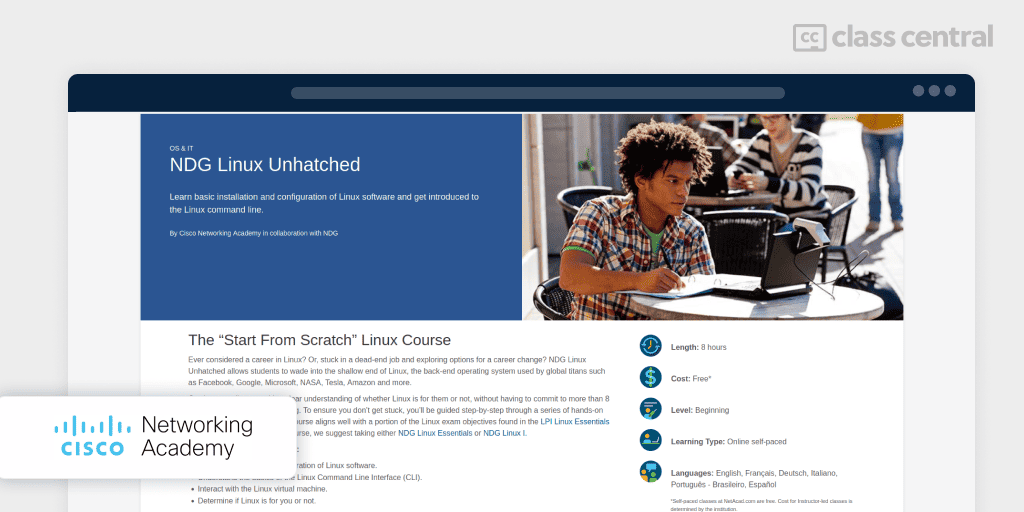
Want to dip your toes into Linux but unsure if it’s worth the time learning to swim? Look no further than Cisco’s entry-level course, NDG Linux Unhatched with a free skills badge upon completion!
This short text-based crash course eliminates the most significant barrier-of-entry to Linux — installing and setting up Linux — by taking care of it for you. You’ll have access to a complete (Ubuntu) Linux virtual machine in your browser, where you can practice the commands you’ve learned in the terminal. After all, there’s no better way to learn how to use Linux than by actually using Linux.
By the end of this course, you’ll be familiar with using the command line for common computing use cases, such as:
- Navigating files and directories
- Creating, moving, and deleting files and directories
- Searching and extracting data from files with regular expressions
- Permissions and ownerships between root users and system users
- Querying vital networking configuration and determining the basic requirements for a computer on a Local Area Network (LAN).
Finally, there’s also an MCQ exam you’ll need to pass in order to be eligible for the completion certificate.
If this course makes you hunger for more, check out the next course in this guide.
| Institution | Cisco Networking Academy |
| Level | Beginner |
| Workload | 8 hours |
| Cost | Free |
| Exercises | Virtual Machine, MCQ Exam |
| Certificate | Free badge |
Best Hands-On Course for Serious Beginners with Free Badge (Cisco Networking Academy)
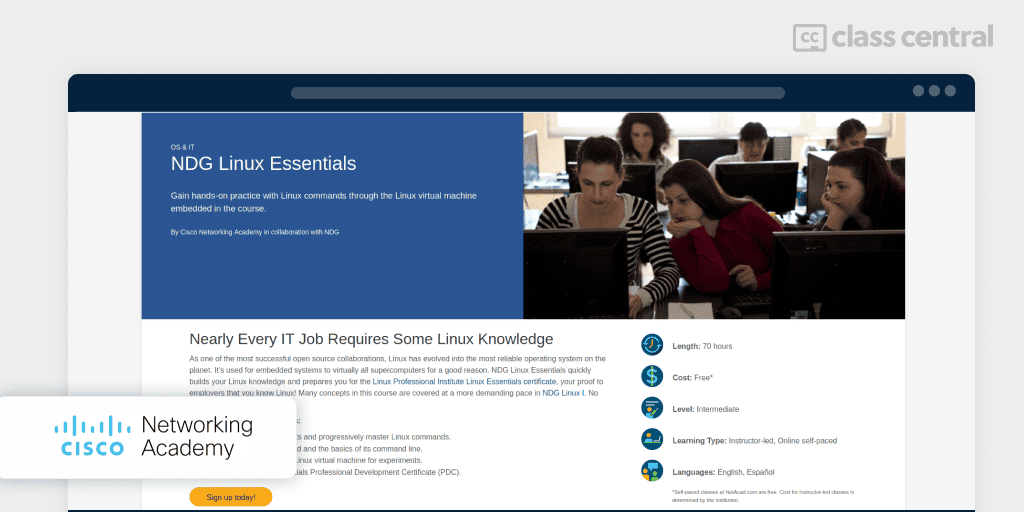
Serious about learning Linux? NDG Linux Essentials welcomes you aboard!
This free text-based course, designed by NDG, prepares beginners with little to no experience with Linux for the Linux Essentials certification exam. Naturally, this course goes into much greater depth on how Linux is used, not only by individuals but also by companies. Thus, you’ll learn:
- Free and Open-Source Software (FOSS), and the various communities and licenses surrounding it
- Knowledge of open source applications in the workplace as they relate to closed source equivalents
- Basic concepts of hardware, processes, programs and the components of the Linux Operating System
- How to work on the command line and with files
- How to create and restore compressed backups, such as tar archives
- System security, users/groups and file permissions for public and private directories
- How to create and run simple Bash scripts.
That’s a lot of things to learn, but don’t worry — you’ll find many opportunities throughout the course to help you retain what you’ve learned, such as guided and challenge labs to practice your command line skills in the Ubuntu VM, and MCQ exams for theory.
Upon completion of this course, you’ll get a free Linux Essentials skills completion badge.
| Institution | Cisco Networking Academy |
| Level | Intermediate |
| Workload | 70 hours |
| Cost | Free |
| Exercises | Virtual Machine, MCQs, Labs, Exams |
| Certificate | Free badge |
Best Short Practical Linux Fundamentals Course for Beginners (TryHackMe)
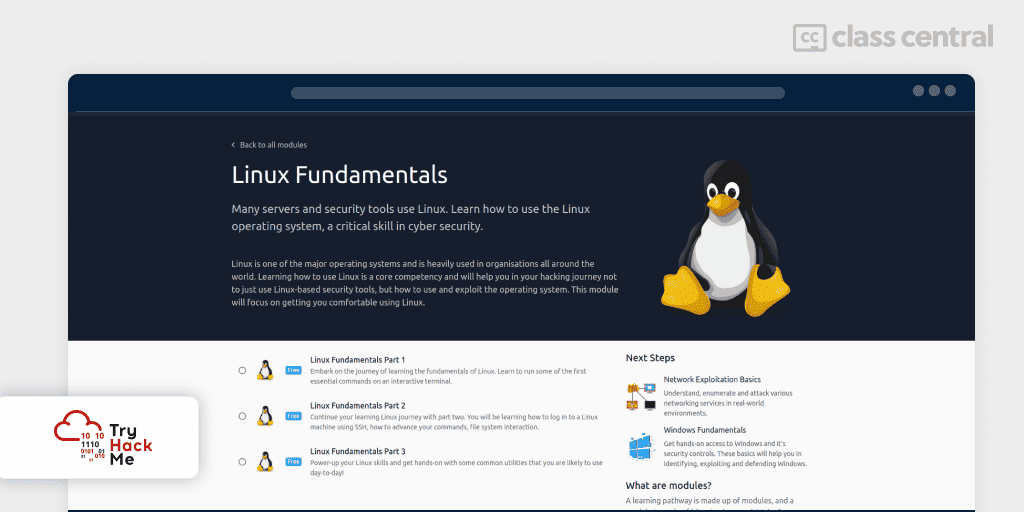
If long, university-styled courses aren’t for you and you’re only interested in the Linux command line, try out this free short and practical walkthrough-like course!
Aimed towards beginners interested in cybersecurity, TryHackMe’s Linux tutorial will help you get comfortable with the terminal by supplying you with a Linux virtual machine. You’ll gain hands-on experience by trying out the commands you’ve learned and answering quizzes. Though TryHackMe’s courses are mainly text-based, this course has an accompanying 2-hour-long video series where the instructor goes through the course text and exercises with live demonstrations.
As for what you’ll learn:
- Part 1: Introduces Linux and its essential commands, such as navigating directories and searching through files
- Part 2: Focuses on the Linux file system and its root directories. You’ll also learn how to remotely access a machine with SSH
- Part 3: Focuses on common utilities used by developers, such as terminal text editors, viewing / managing processes, automating tasks through scheduling, and reviewing logs.
| Institution | TryHackMe |
| Instructor | Ben Eriksson |
| Level | Beginner |
| Workload | 1–2 hours |
| Enrollments | 422K |
| Likes | 8K |
| Cost | Free |
| Exercises | Freeform, Virtual Machine |
| Certificate | Badges |
Best Gamified Course to Practice Linux Commands (OverTheWire)
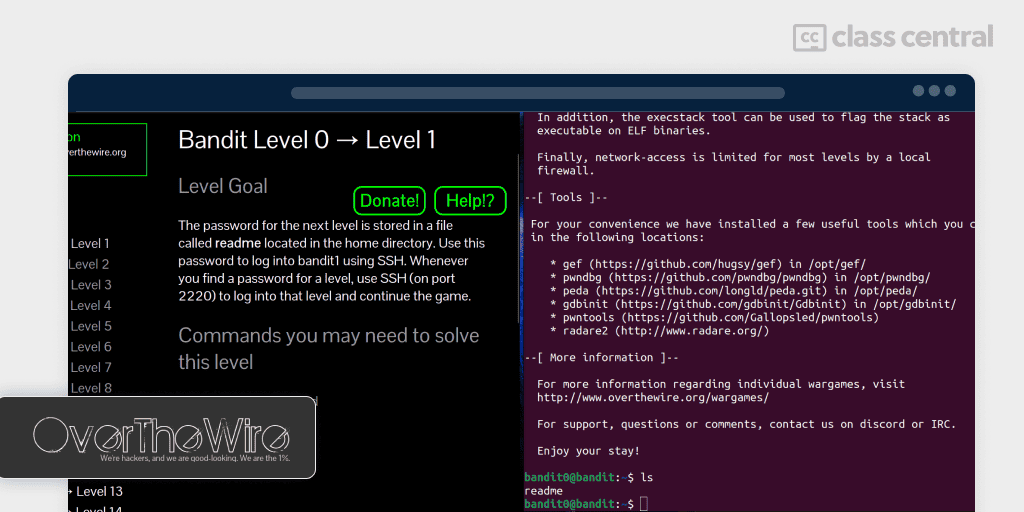
Learning the Linux command line doesn’t have to be boring with OverTheWire: Bandit.
OverTheWire: Bandit is a free popular online game designed for beginners who want to learn Linux with some basic security concepts sprinkled in. Structured as a series of increasingly challenging puzzles, each one goes into different aspects of Linux and command line tools.
For example, the first lesson will teach you how to ‘play’ the game by connecting to the OverTheWire Linux server with SSH. The next few lessons then show you how to navigate the file system and use Bash to write scripts and chain commands to perform non-trivial tasks. You’ll also be introduced to network concepts, such as ports and IP addresses, which will help you strengthen your security principles.
You can find a walkthrough with answers of the game here.
| Organization | OverTheWire |
| Provider | overthewire.org |
| Level | Beginner |
| Cost | Free |
| Exercises | Yes |
| Certificate | None |
Best Specialization to Get Exam-Ready for Beginners

This Coursera specialization by LearnQuest aims to teach absolute beginners everything you need to know to secure an entry-level IT position, as well as to prepare for the Linux Foundation Certified IT Associate (LFCA) exam.
This specialization consists of 4 courses, and they are:
- Linux Fundamentals: history and overview of Linux; view, create, copy, move, and remove files; search and analyze text in files
- Managing Linux Systems: configure network connections users and groups; manage disks and software packages
- Securing Linux Systems: securing Linux internally through the permissions, authentication and authorization; securing Linux externally through perimeter security
- Linux Cloud and DevOps: compare and contrast cloud computing models; understand virtualization and containers.
Course auditors will only have access to the practice quizzes, while those paying for the specialization will be able to practice their scripting skills through virtual labs and share insights through discussion prompts. There’s also a handy exam prep section with sample tests and guides to help you ace the LFCA exam.
| Institution | LearnQuest |
| Provider | Coursera |
| Instructor | Aspen Olmsted |
| Level | Beginner |
| Workload | 68 hours |
| Enrollments | 23.6K |
| Rating | 4.5 / 5.0 (816) |
| Cost | Paid |
| Exercises | Quizzes, Labs, Discussion Prompts |
| Certificate | Paid |
Best Short Hands-On Tutorial for DevOps / SysAdmin Beginners with Free Certificate (KodeKloud)
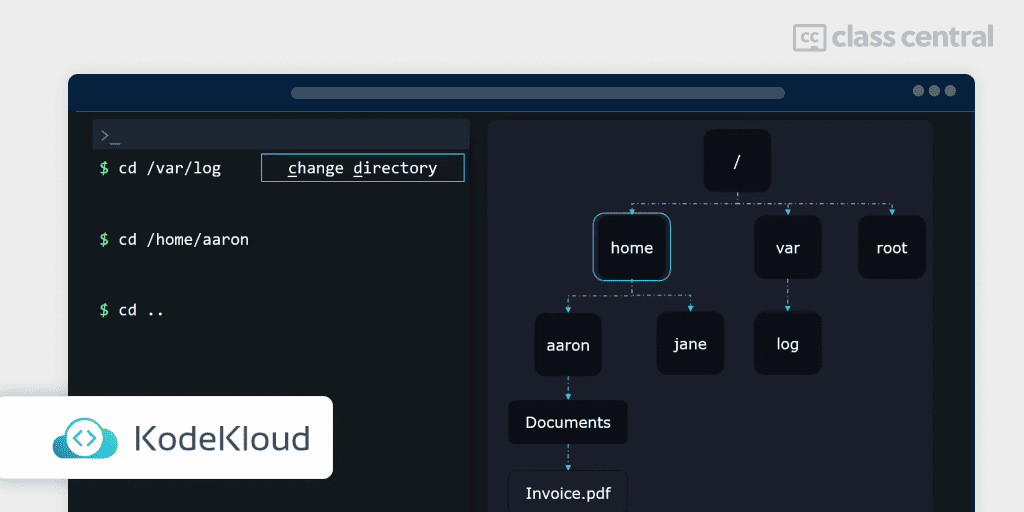
If you’re diving into DevOps or System Administration, one thing you ought to know is that practice is worth its weight in gold. And what better place to gain hands-on experience than through KodeKloud’s free and fun in-browser labs?
Coupled with accompanying lively video lectures and demonstrations on par with the labs, by the end of this course you’ll be able to:
- Leverage system documentation effectively
- Grasp the intricacies of accessing both local and remote consoles
- Understand how to work with files and directories, including creating and managing hard and soft links
- Grapple with grep by searching files and analyzing text with both regular expressions
- Manage local user accounts through setting user resource limits and controlling user privileges, all while safeguarding root account access.
… which basically means you’ll be knowledgeable enough to explore what else Linux has to offer without being utterly left in the dark. Oh, and did I forget to mention that no prior knowledge of Linux is assumed?
This short introductory course is part of a larger paid course. If you found this course to be thoroughly enjoyable and want to learn more, why not go the extra step and get SysAdmin certified?
| Institution | KodeKloud |
| Provider | YouTube & KodeKloud |
| Instructor | Aaron Lockheart |
| Level | Beginner |
| Workload | 2 hours |
| Rating (of KodeKloud) | 4.8 / 5.0 (1M) |
| Cost | Free |
| Exercises | MCQ and Freeform, Virtual Machine |
| Certificate | Not available |
Best Comprehensive Hands-On Course for DevOps / SysAdmin Beginners (Livia Lima)
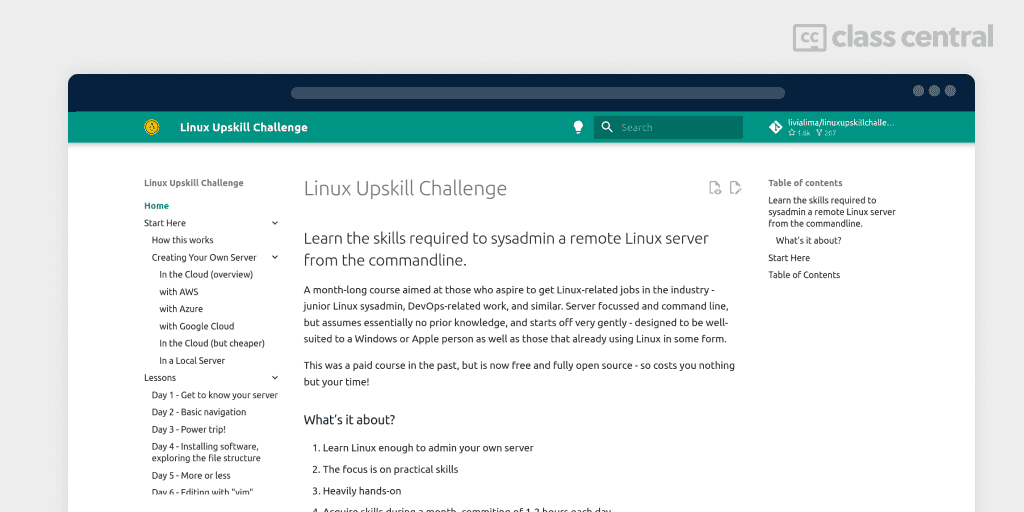
Treading the path of a Linux System Administrator has never been simpler yet rewarding with Liva Lima’s Linux Upskill Challenge!
Originally paid but now free and open source, this practical course is for the aspiring system administrator or DevOps engineer looking to master the Linux command line — no prior knowledge needed whatsoever.
What makes this course special is that you’ll get your hands dirty right from the start. Instead of the course provisioning a Linux server for you, you’ll step into the shoes of a real SysAdmin or DevOps engineer by setting up a Linux server on your own. This might seem daunting as you navigate the platforms of top-tier cloud providers, but the experience you’ll gain working with ‘real’ servers will be far more valuable than any simulated training environment.
Over the course of a month, you’ll tackle various tasks expected of a SysAdmin, including but not limited to:
- Setup and Command Basics: Initiate servers on various platforms, secure SSH access, and execute fundamental commands
- System Operations: Master file system navigation, software installation, and manage system services like Apache2
- File Editing and Processing: Learn file editing (nano, vim), and manipulate text with tools like grep and awk
- Networking and Automation: Understand networking, configure firewalls, and automate tasks with cron and systemd
- Advanced Topics and Scripting: Explore repositories, compile software from source, manage logs, understand scripting, and link management.
Livia Lima has poured tons of love and support into this project, as evidenced by her monthly lessons on Lemmy / Reddit, complimentary video playlists, and her active Discord server where you can get help from her or the community.
I highly recommend this high-quality course to anyone willing to invest a fraction of the effort that a system administrator would typically put into their day-to-day work.
| Provider | linuxupskillchallenge.org |
| Instructor | Livia Lima |
| Level | Beginner |
| Workload | 30-60 hours |
| Cost | Free |
| Exercises | None |
| Certificate | None |
Best Courses Guides Methodology
I built this ranking following the now tried-and-tested methodology used in previous Best Courses Guides (you can find them all here). It involves a three-step process:
- Research: I started by leveraging Class Central’s database with 250K online courses and 250K reviews. Then, I made a preliminary selection of 500+ courses by ratings, reviews, and bookmarks.
- Evaluate: I read through reviews on Class Central, Reddit, and course providers to understand what other learners thought about each course and combined it with my own experience as a learner.
- Select: Well-made courses were picked if they presented valuable and engaging content and fit into criteria including: comprehensive curriculum, affordability, release date, ratings and enrollments.
Pat revised later versions of this article.

The post 10 Best Linux Courses for 2025: Don’t Fear the Command Line appeared first on The Report by Class Central.