- Google may soon add an extra step to the process of sending files via Quick Share.
- We’ve learned that Google may require the sender to wait for the recipient’s approval before they can actually start sending files.
- This only applies when devices are associated with different Gmail accounts.
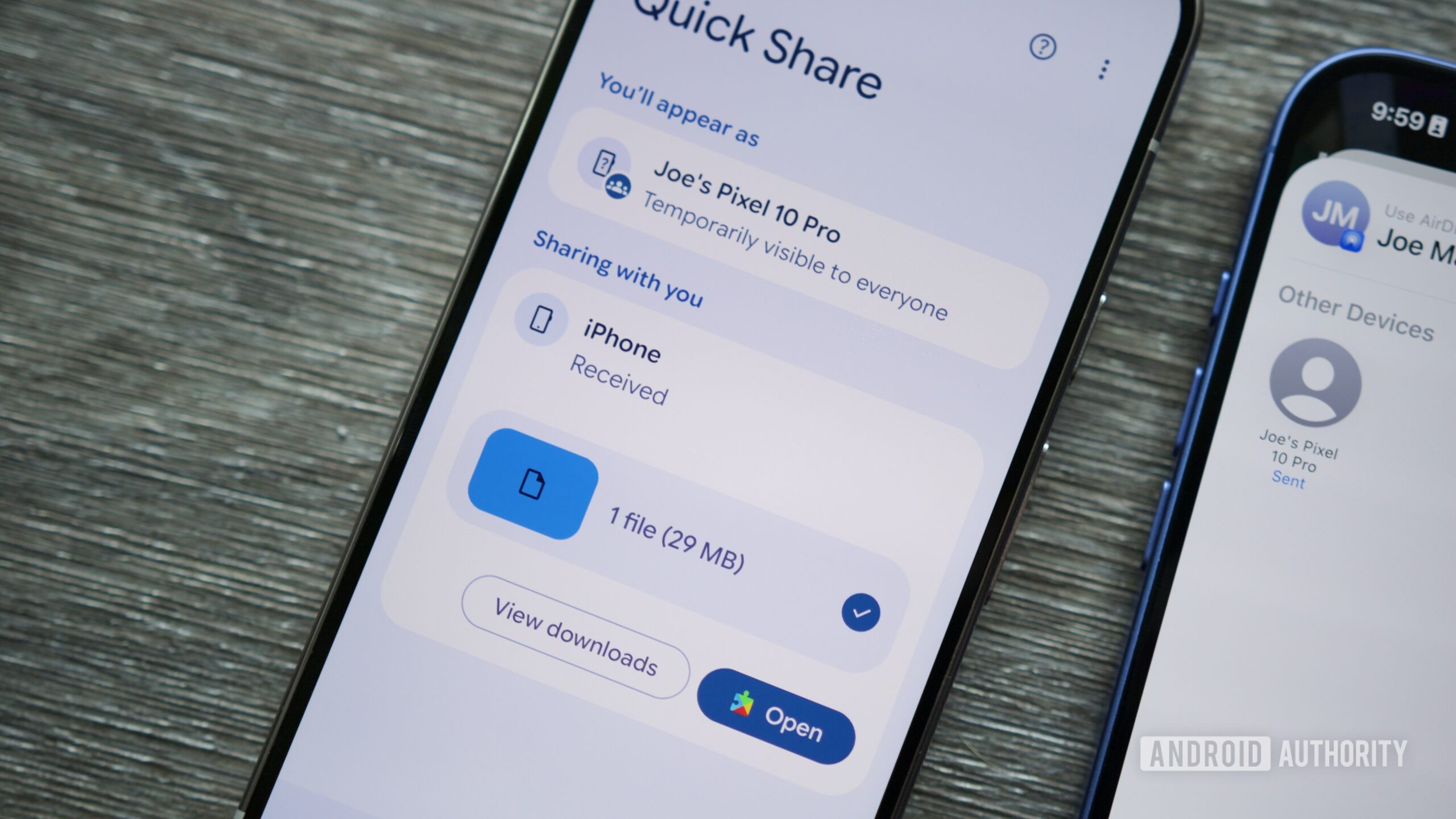
One of the easiest ways to send files across Android is Quick Share, and Google has been working to improve cross-platform transfers by adding support for Apple’s AirDrop, which was recently expanded to the Galaxy S26 phones. In light of its expansion, Google is also working on some preventive measures to ensure you don’t send files to the incorrect person, and it looks like it might come with a bit of an inconvenience.
You’re reading an Authority Insights story. Subscribe to our new Authority Insights newsletter for more exclusive reports, app teardowns, leaks, and in-depth tech coverage you won’t find anywhere else.
With an upcoming change, Google could add an extra step to sending files using Quick Share. Currently, when you send a file to another Android device with a different Google ID logged in, the recipient is asked to “Accept” or “Reject” the incoming files. As you would expect, this is designed to prevent unknown folks from sending you files, which can very well be malware, to your devices without your knowledge or consent.