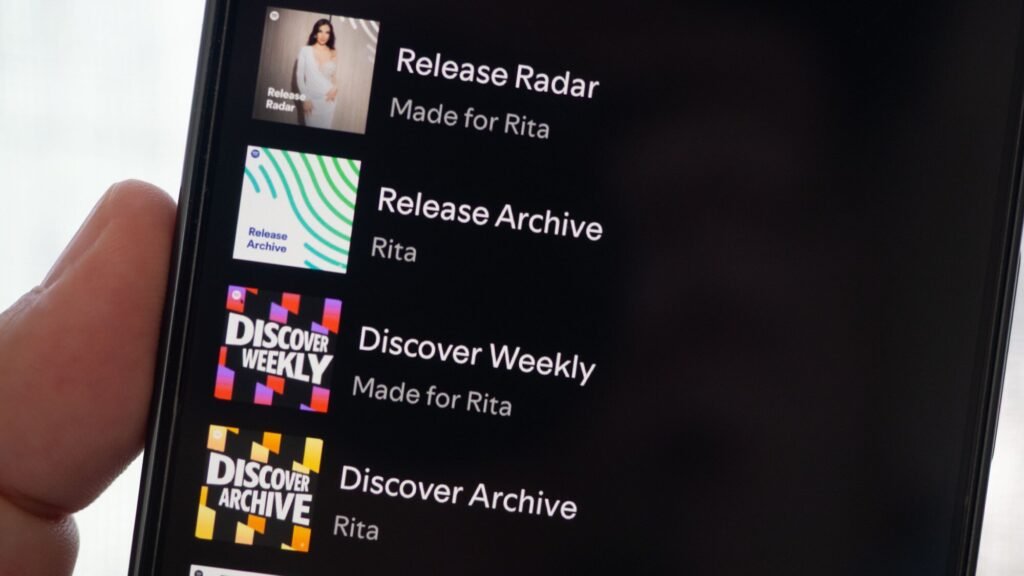
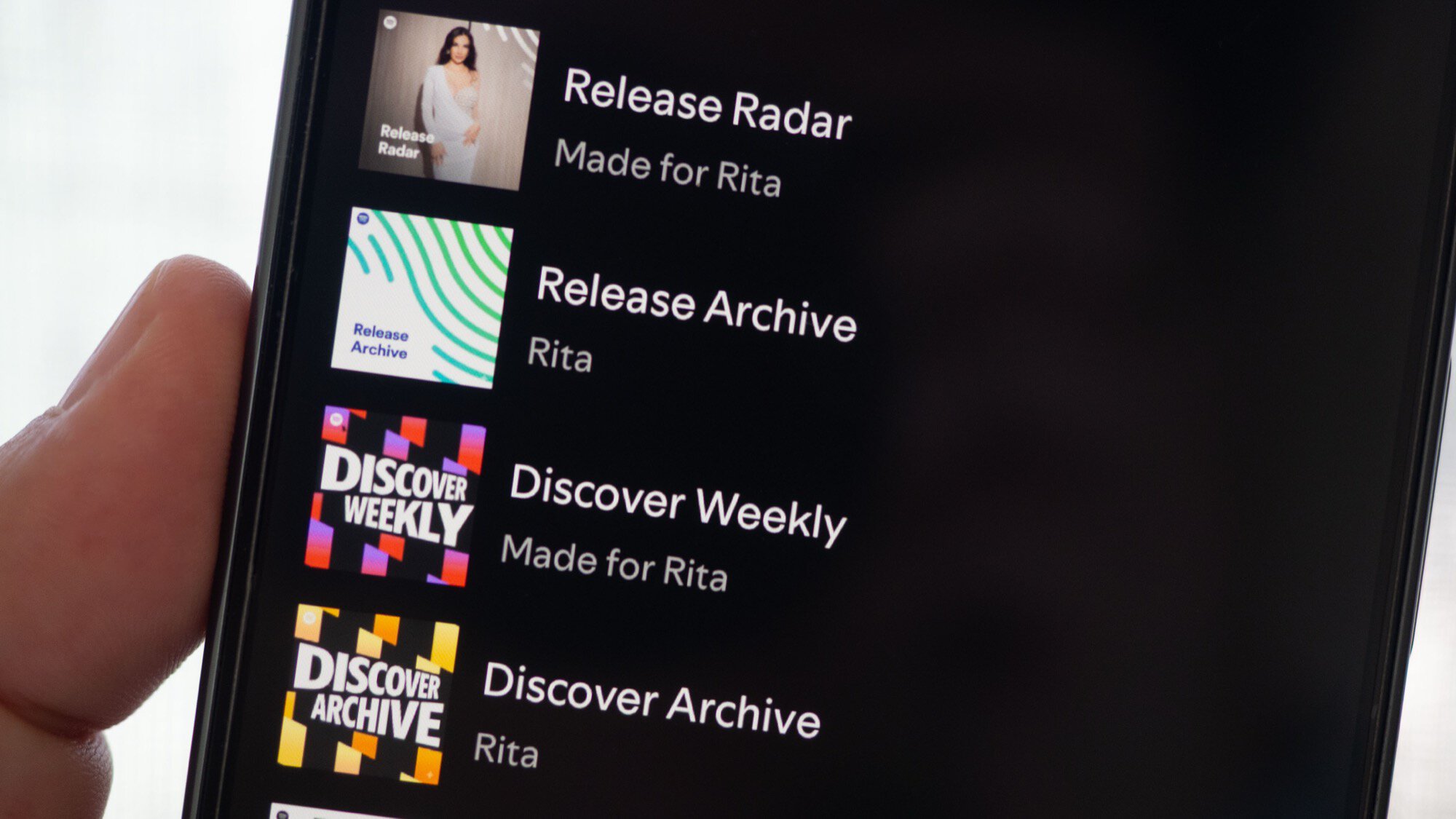
I’ve been a Spotify user for over a decade and, while many of my favorite playlists are ones that I’ve followed or added from other users, I still have my own fair share of personal playlists. Spotify usually does a good job of assigning a temporary default playlist art with the first four album covers from the songs you add, but I don’t think that’s a clean look.
I’ve spent weeks organizing my Spotify library with different folders and sub-folders and a carefully curated system to sort and find the playlist I need, so having lazy generic covers was the last thing I wanted. Over the years, I’ve tried to find online graphics and icons to apply to my playlists, but I recently realized I could make much more personalized cover art with Gemini’s Nano Banana. Here’s how I’ve used it to spruce up my Spotify library.