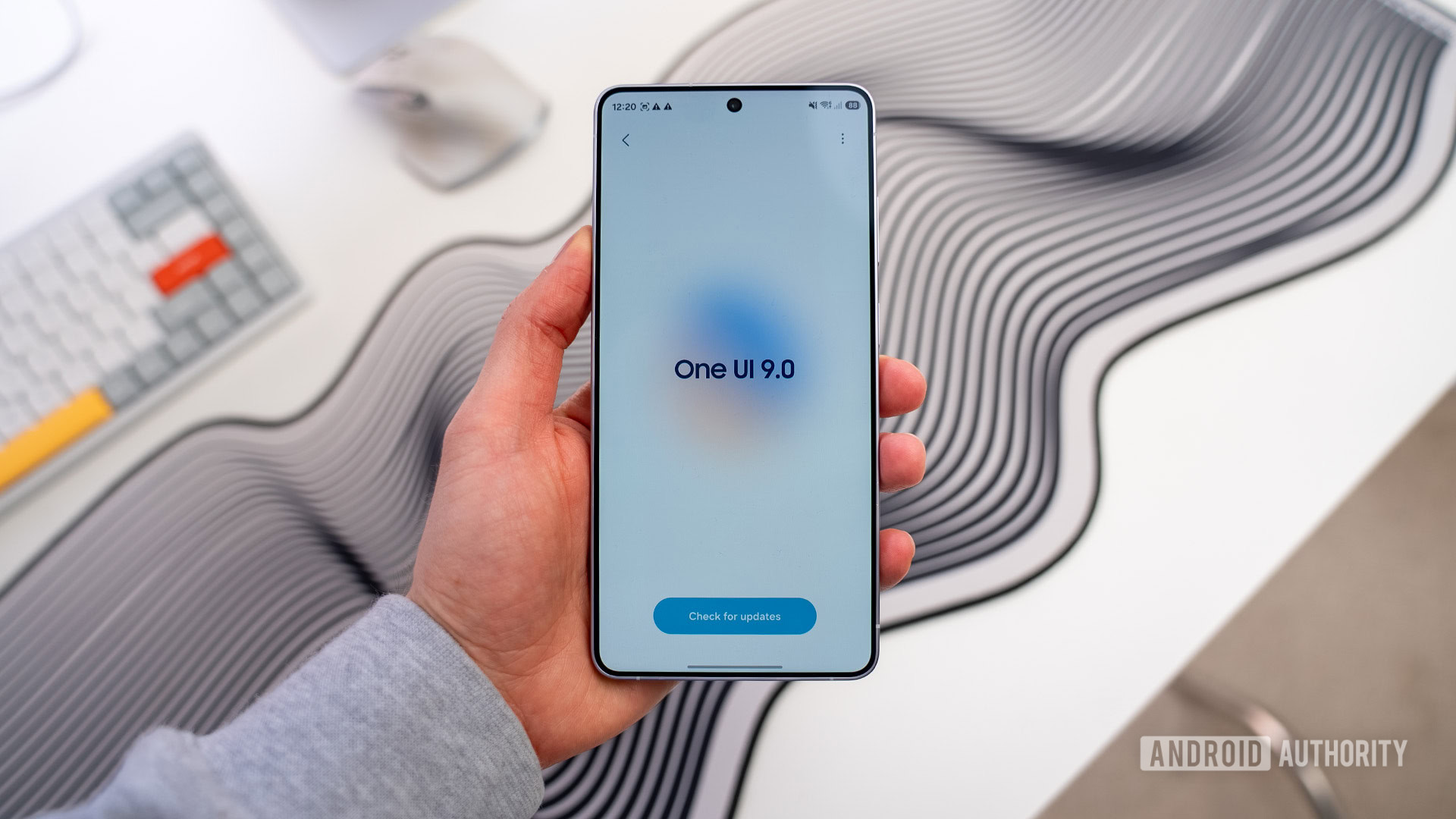
Credit: Paul Jones / Android Authority
TL;DR
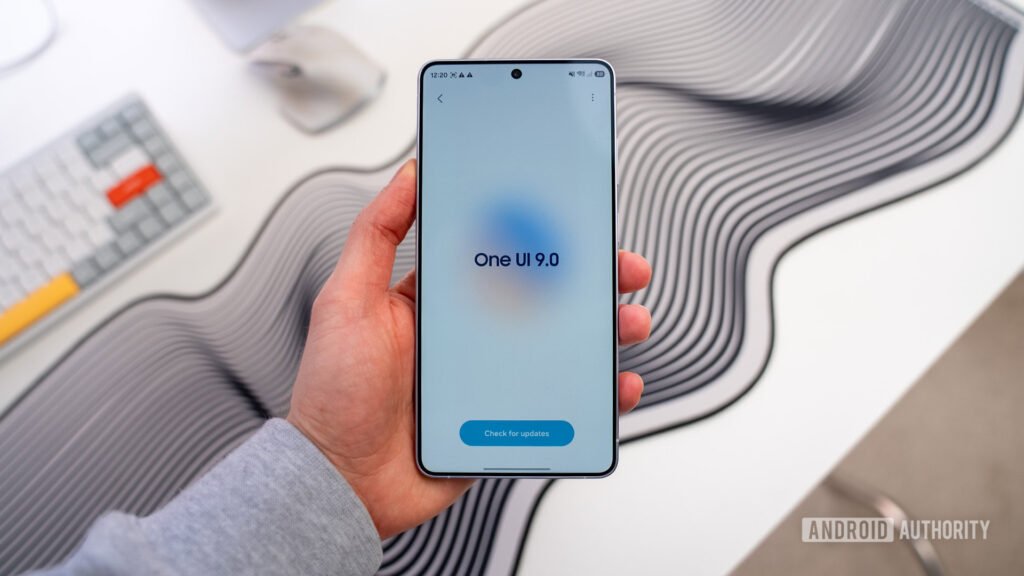
- One UI 9 beta 2 integrated Lockdown mode directly into the power menu, whether accessed by the side button or by the power button shortcut in the Quick Settings panel.
- With One UI 9 beta 4, Samsung has added a new toggle that lets users change this Auto-Lockdown behavior when triggering the power menu through the Quick Settings power button shortcut.
- The physical side button continues to automatically trigger Lockdown mode regardless of this toggle.
With One UI 9 beta 2, Samsung integrated Lockdown mode directly into the power menu, allowing users to instantly lock their phone and disable biometric authentication upon triggering it. It’s a handy feature that prevents forced or unauthorized biometric access, and with the latest One UI 9 beta 4, Samsung is giving users a bit more control over Lockdown behaviour when accessing the power menu via different methods.
You’re reading an Authority Insights story. Authority Insights brings you all the latest exclusive reports, app teardowns, leaks, and in-depth tech coverage from the Android Authority team that you won’t find anywhere else.