Credit: Joe Maring / Android Authority
TL;DR
- Android 17 Beta 3 has introduced new volume controls for smart assistants.
- These controls are separate from the main system or media volume.
- With this, you can now set the volume of smart assistants, such as Gemini, to a certain level.
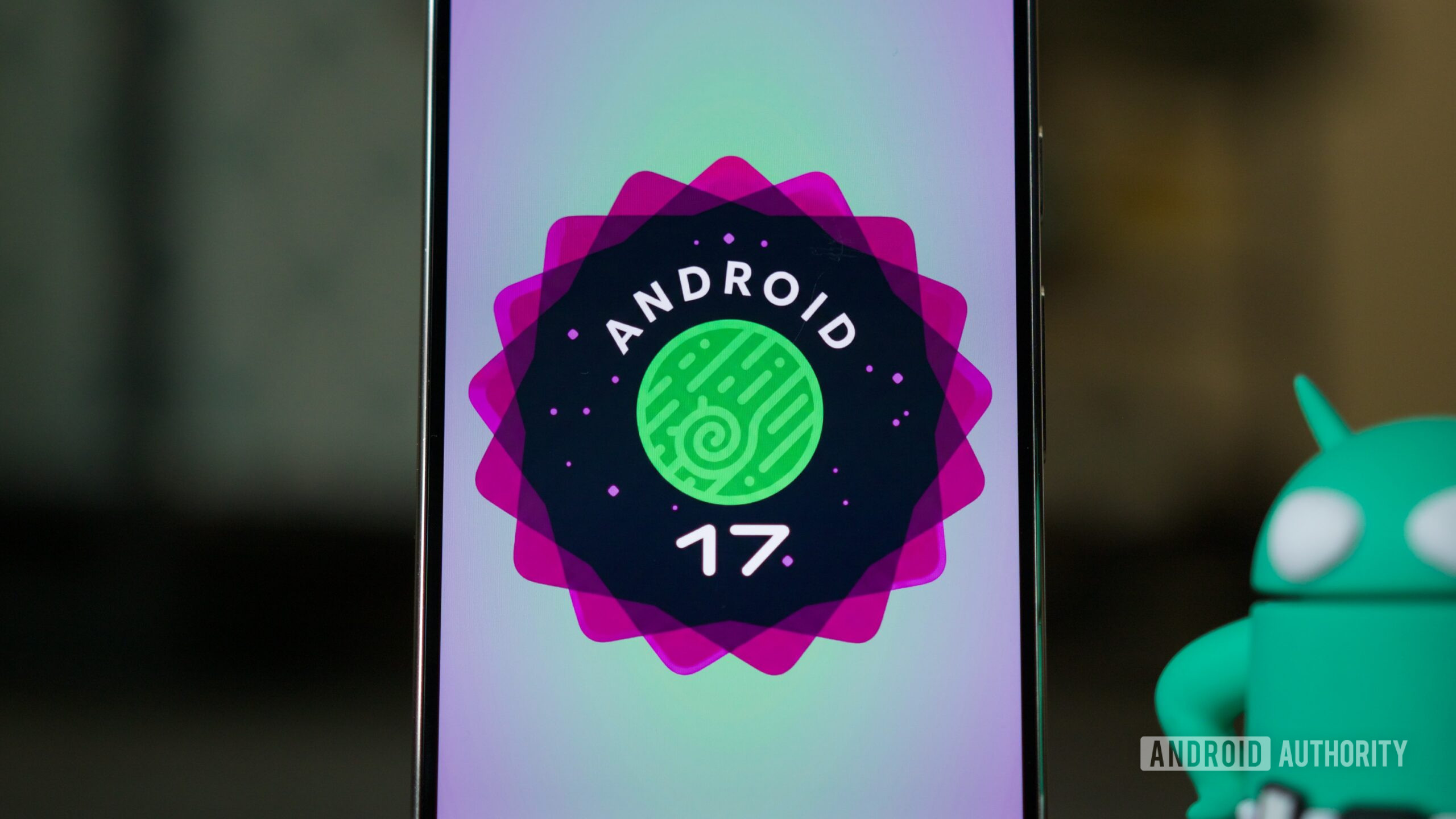
Google just released Android 17 Beta 3, and it brings several small but meaningful improvements. These include separate quick settings toggles for Wi-Fi and mobile data, and notifications for every time your phone’s time zone automatically updates. Additionally, the update also brings important changes to audio, and one of these deals with the volume controls on Android.
With Android 17 Beta 3, Google is introducing a separate volume stream for virtual assistants. As you may have guessed, that means the volume for assistants, such as Gemini, can be controlled distinctly from the rest of the media.