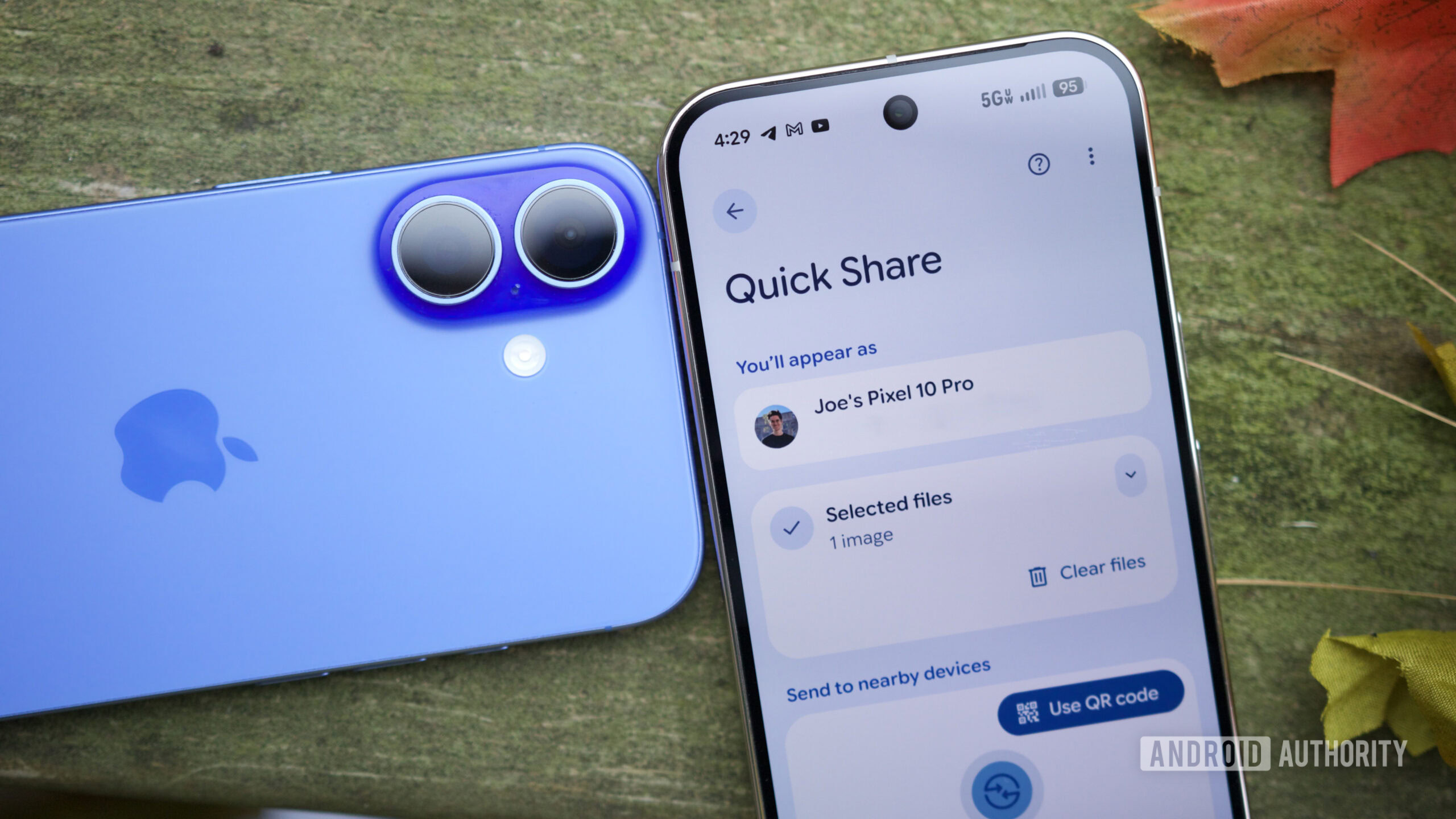
Credit: Joe Maring / Android Authority
TL;DR
- We’ve managed to activate the UI for Tap to Share, an upcoming feature that will allow instant transfer of photos, videos, contacts, and more.
- Users will have to overlap the top of their phones to account for differing NFC antenna positions across Android phones.
Late last month, we joined the dots on Android’s upcoming “Tap to Share” feature, as code for it appeared across One UI builds and Android Canary releases. We’ve now managed to activate the UI for the feature, giving us a better look at what to expect from Android’s AirDrop-style Tap to Share feature.
You’re reading an Authority Insights story. Subscribe to our new Authority Insights newsletter for more exclusive reports, app teardowns, leaks, and in-depth tech coverage you won’t find anywhere else.
By signing up, you agree to our Terms of Use and acknowledge the data practices in our Privacy Policy. You may unsubscribe at any time.
Tap to Share, in its current state of readiness in Google Play Services v26.15.31, looks like this: