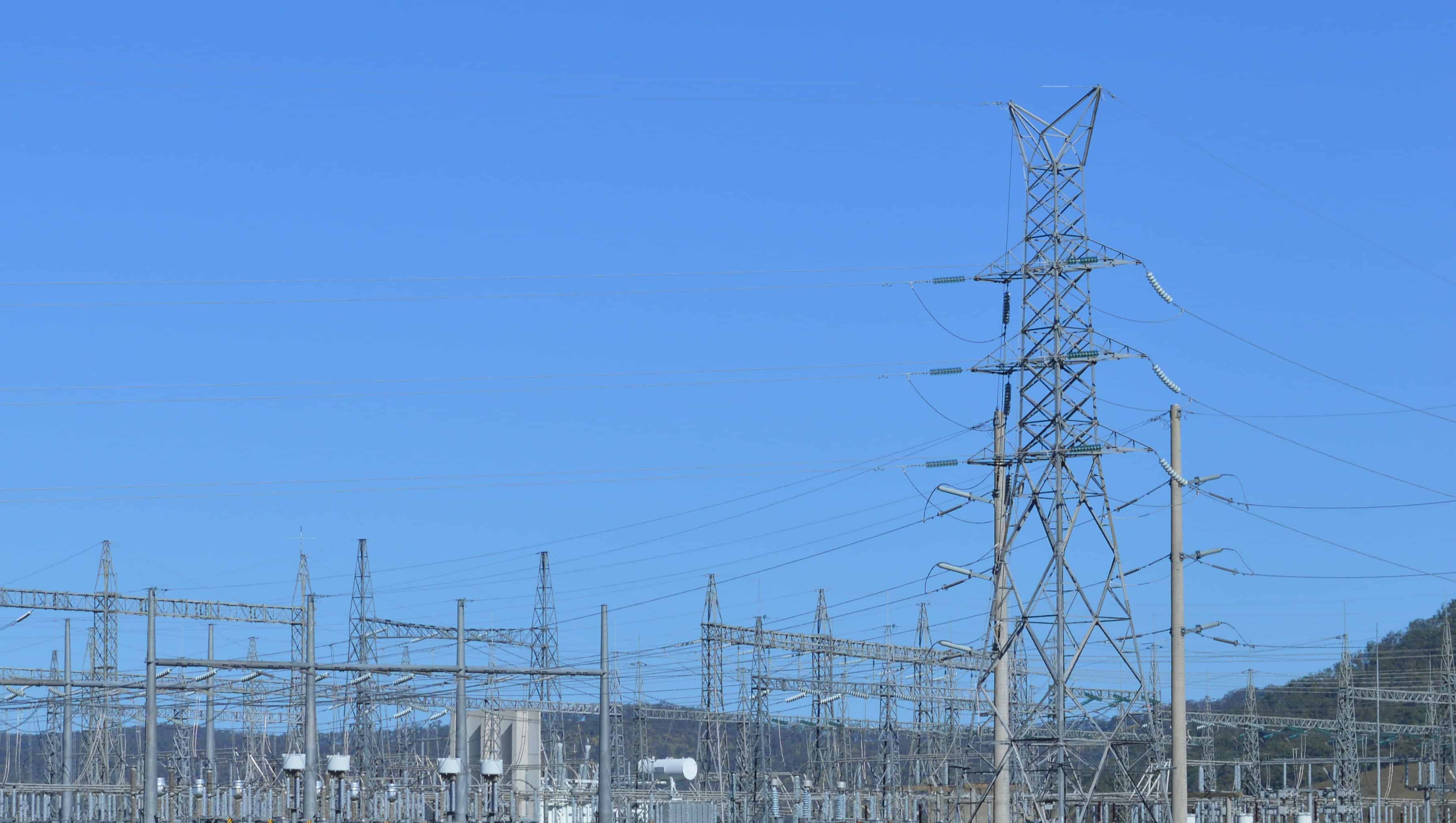
While unreliable internet or electricity can make completing a course more challenging, there are ways to deal with the problem and succeed. If your internet or electricity is unreliable, watching course videos and taking tests are likely to be the biggest problems.
This guide covers practical strategies for studying with poor connectivity, choosing courses that are easier to manage offline, and keeping your devices running when power is scarce.
Click on the Shortcuts for More Details
- Quick Checklist
- Choose Courses That Work With Unreliable Connectivity
- Which Platforms Support Offline Learning?
- Conserve Data and Bandwidth
- Take Quizzes and Submit Assignments Safely
- Manage Your Battery When Electricity Is Unreliable
- Find Safer Internet Access
Quick Checklist
Before and during your next study session:
- Charge all devices and power banks whenever electricity is available
- Download course videos, readings, and transcripts to your device whenever possible
- Choose lower video quality to save data
- Write assignments offline, then paste them in when connected
- Save quiz answers as you go, in case the connection drops
- Make paper-based notes
- Take quizzes when your internet is most reliable
- Contact course support early if outages affect your deadlines
- Prefer self-paced courses with flexible deadlines over scheduled or timed formats.
Choose Courses That Work With Unreliable Connectivity
Not all online courses are equally suited to unreliable internet or electricity. Some formats are much easier to manage than others. Before you enroll, consider these factors:
- Prefer self-paced courses. Courses with flexible deadlines give you room to work around outages. If your connection drops mid-week, you can catch up when it returns. Scheduled or cohort-based courses with hard deadlines are less forgiving.
- Look for courses with downloadable materials. Some providers let you download videos, readings, and transcripts through their mobile apps. If a course relies entirely on streaming video with no download option, it will be harder to manage.
- Prioritize text and transcripts over video. Video uses the most bandwidth. If a course offers transcripts, slides, or PDF readings, use those as your primary study materials and treat video as a supplement. Text-based content downloads faster, uses less data, and works on older devices.
- Read, then watch. Some videos have helpful images and animations, so skipping the video entirely might be a disadvantage. Read transcripts, slides, and PDFs first, then use the videos to clarify and consolidate your learning.
- Compose coding and written work offline. Write code, assignments, and discussion posts in an offline editor on your device. When you have internet access, copy and paste it into the course platform. This minimizes the time you need to be connected and should even be useful for project-based, interactive platforms.
- Avoid courses with strict timed exams. If your connection drops during a timed or proctored exam, you may lose an attempt or fail the assessment. Look for courses with untimed quizzes, multiple attempts, or flexible assessment windows.
- Choose shorter modules. Courses broken into short lessons are easier to complete in brief windows of connectivity. A 10-minute video is more manageable when the power could go out at any moment than a 90-minute lecture.
- Consider mobile-friendly courses. If your phone is your most reliable device, look for courses with a dedicated mobile app that supports offline downloads. You can study during commutes, lunch breaks, or any time even without a signal.
- Keep mobile apps up-to-date. Sometimes, outdated software can cause reliability issues.
You can browse Class Central’s catalog to compare courses across providers and find ones that fit your situation. If you are also budget-constrained, see our list of free courses with certificates.
Which Platforms Support Offline Learning?
Many providers allow videos to be downloaded. Some allow downloads via an app to your mobile device even if you can’t download to a computer. And you may find that some courses restrict downloads due to copyright restrictions. Note, the Udemy app doesn’t allow screenshots.
Here are some platform capabilities as of the time of writing:
| Provider | Offline downloads | Mobile app | Flexible deadlines |
| Coursera | Yes, on computer and mobile app (batch download on mobile) | Yes | Yes, most courses |
| edX | Yes,on computer and mobile app (batch download on mobile) | Yes | Yes, most courses |
| FutureLearn | Some courses | No | Yes, for subscribers |
| Udemy | Yes, via mobile app | Yes | Yes, most courses |
Check provider Help centers and FAQs for details and also how to delete the videos after watching so your device doesn’t run out of memory.
Note: platform features change. Check for the latest information before relying on any specific capability.
Download and Study Offline
Downloading course materials when you have a connection means you can keep studying when the connection drops.
- Power up any battery-operated devices whenever you have electricity. Make this a habit. If the power is on, your devices should be charging.
- Download videos to your device for offline viewing. Look for a download link or icon on or near videos. Some providers make it easier to download videos with their mobile apps. Different platforms have their own procedures and rules.
- Organize your downloads. Create a folder on your device labeled with the course name. If the platform doesn’t name files clearly, rename each video as you download it so you can find it later.
- Download transcripts and slides. If available, grab the transcript and slide files for each lecture. Transcripts may let you study without watching the video at all, which saves data and battery. Or if the video contains essential visuals that aren’t obvious in the transcript, speed up or skip past non-essentials, then slow down the playback when necessary.
- If downloading isn’t available, start watching immediately. The sooner you begin, the more time you have to finish before the connection or power drops. Use shorter viewing sessions rather than trying to get through a long lecture in one sitting.
Conserve Data and Bandwidth
If you have limited internet data, every megabyte counts.
- Lower the video quality. On some video players, you can change the quality settings. Choose the smallest file size available. The video may look fuzzy, but it will use less bandwidth.
- Play videos at a faster speed. Many players let you watch at 1.25x or 1.5x speed. This means each video takes less time, so you can get through more content before the connection or power fails. Don’t do this if you have trouble understanding the audio at faster speeds. You will waste time replaying the video.
- Use transcripts instead of video. Reading a transcript uses a fraction of the data that streaming video does. If the course provides transcripts, switch to reading when your data is running low.
- Compose written work offline. Write code, assignments, and discussion posts in a text editor on your device. When you have internet access, copy and paste the text into the course platform. This minimizes the time you need to be connected.
Take Quizzes and Submit Assignments Safely
Tests and quizzes are the riskiest part of online learning when your connection is unstable. A dropped connection mid-quiz can cost you an attempt or lose your answers.
- Be well prepared. Study thoroughly before starting a quiz so you don’t waste time trying to remember facts you should already know. Every second counts when your connection could drop.
- Save each answer as you go. Look for a Save button on the test page, often at the bottom. If your connection drops after saving, you won’t have to repeat everything. If there is no Save option, jot down your answers on paper. Be aware that some courses randomize questions each time you open a test, so your notes may not match on a second attempt.
- Take tests when your connection is strongest. If your internet or electricity is more reliable at certain times of day or on particular days, schedule your quizzes for those windows.
- Contact support if outages cost you an attempt. If a dropped connection used up one of your limited quiz attempts, reach out to the course provider. Look for a Help, Support, or Contact Us link. Many providers will reset attempts if you explain the situation.
- Complete high-risk tasks early. Don’t wait until the last day to submit assignments or take quizzes. If the power goes out on your deadline, you have no buffer. For more strategies on getting to the finish line, see our guide on How to Finish Your Course.
Manage Your Battery When Electricity Is Unreliable
The title of this article mentions electricity, and for good reason. If your power is unreliable, battery management is just as important as data management.
- Keep a charging routine. Charge your devices whenever the power is on, even if they are not low. Make it automatic: power on means devices charging.
- Use a power bank. A portable power bank lets you charge your phone or tablet during outages. Even a small one can provide an extra hour or two of study time. If you can, keep two to extend your usage time.
- Reduce battery drain. Switch to low power mode, lower your screen brightness, and turn on airplane mode when you are studying offline. Close apps you aren’t using. These small changes add up.
- Use your phone instead of your laptop. Phones use less power than laptops and are easier to charge with a power bank. If your course has a mobile app, switch to it when electricity is scarce.
- Keep paper backups. Write down deadlines, key formulas, notes, and assignment prompts on paper. If your device dies and won’t charge, you can still review your notes and plan your next steps.
- Use pen and paper for time-consuming tasks.
Find Safer Internet Access
If your home connection is too unreliable, look for alternatives.
- Public libraries, coffee shops, and transport hubs. These often offer free wi-fi. Some may have time limits or require a purchase, so plan your visit to make the most of the connection.
- Your workplace. With your employer’s permission, you may be able to come in early or stay late to use the office internet. Some managers will allow this, especially if the course you are taking could improve your value to the business.
- Be careful on public wi-fi. Shared public networks can attract hackers looking to steal personal information or payment details. Reduce your risk by avoiding sensitive logins on public networks, using HTTPS sites, and considering a VPN. For more detailed guidance, see How to Avoid Public WiFi Security Risks.
Adapted and updated for Class Central from Online Learning Success with additional guidance on course selection, platform comparison, and electricity management.
The post How to Learn Online When Your Internet or Electricity is Unreliable appeared first on The Report by Class Central.