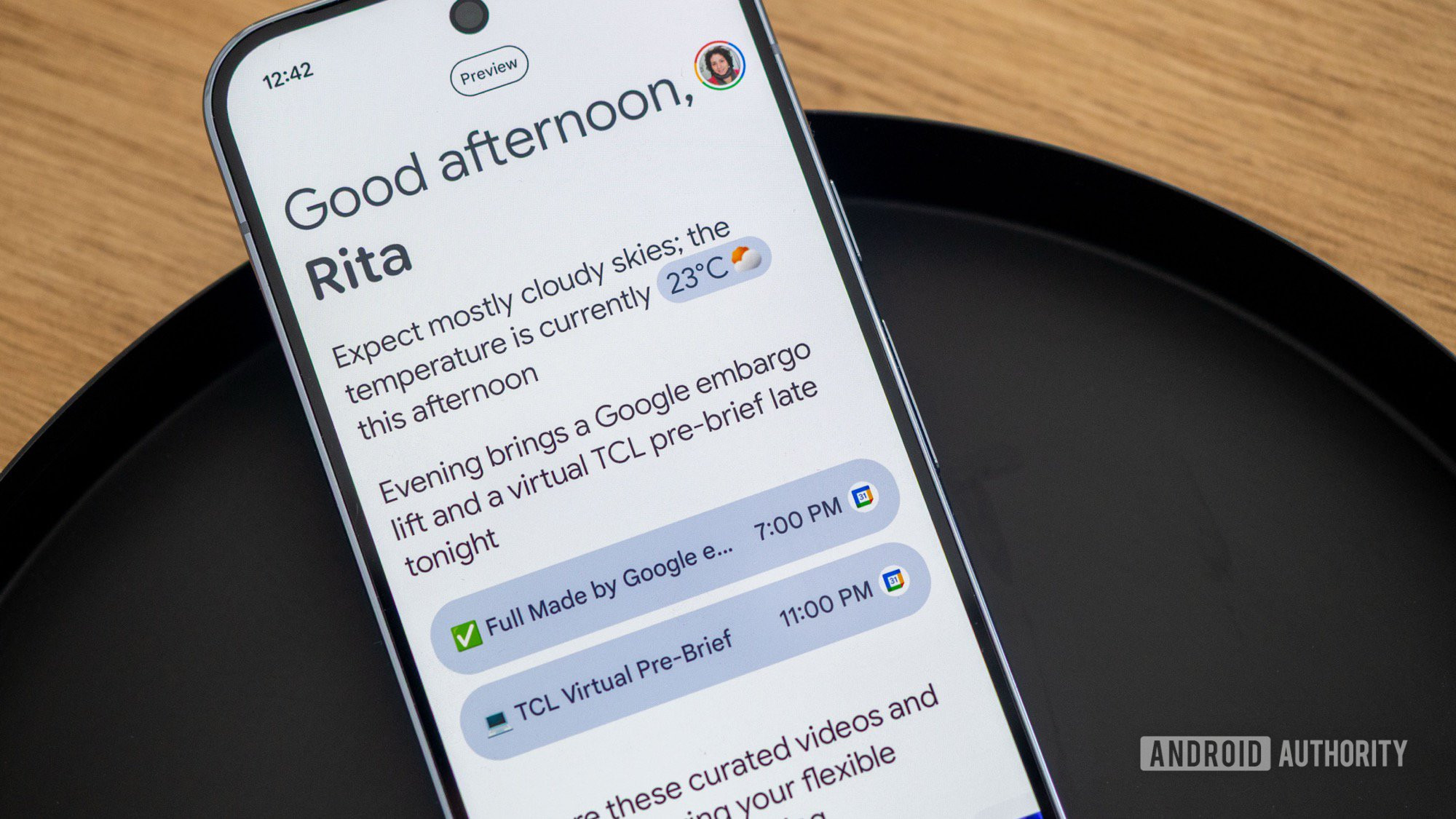
One of the new highlight features of the Google Pixel 10 is Daily Hub, Google’s second attempt (after Assistant Snapshot) at reincarnating the extremely useful Google Now by showing you relevant information when you need it. However, Daily Hub doesn’t seem to be available or enabled on many phones, starting with mine. I was so eager to test it out that I figured out how to sideload it and reliably launch it on my phone, even if it remains hidden. Here’s how I did it.
Grab and install the Daily Hub APK
On many Pixel 10 and 10 Pro units, Daily Hub is installed but only shows up as a “STUB” APK, weighing a few megabytes, and that can’t be opened from anywhere. That was the case with both my Pixel 10 Pro and 10 Pro XL. Even though there was an update to Daily Hub on the Play Store, it remained stuck on the STUB app version. So I had to sideload it by following these steps: