
Credit: Rita El Khoury / Android Authority
TL;DR
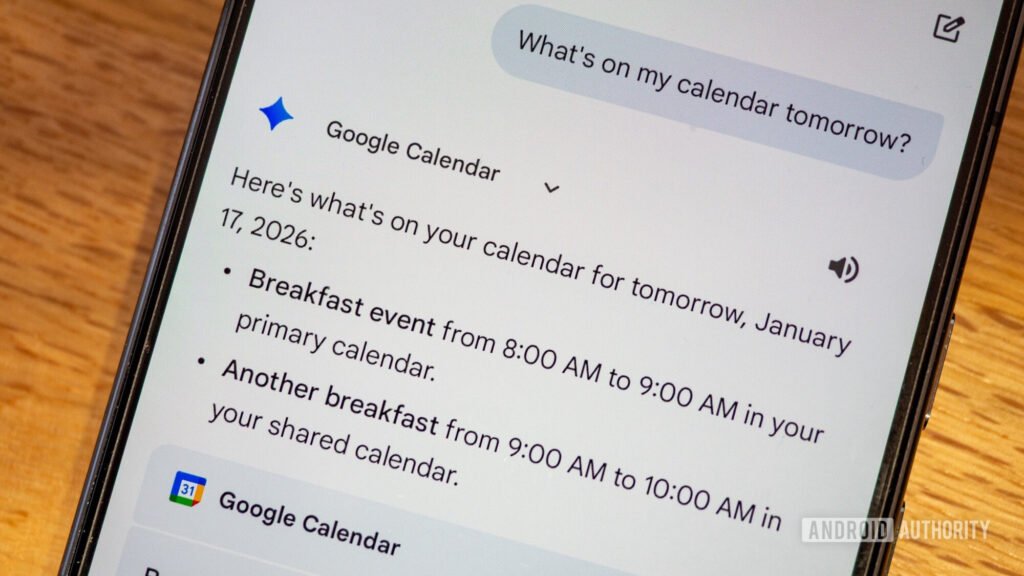
- Google has finally added multiple calendar support to Gemini.
- You can ask about existing events and create new ones on your secondary calendars. This is great for anyone with work, school, or family calendars.
- You can also change your default calendar to create events on, but the settings is hidden.
It’s been nearly two years since Google released the Gemini app for Android and enabled users to switch from Assistant to Gemini despite a bunch of limitations and missing features. One of those was the lack of multiple calendar support. Without it, you couldn’t ask about events from secondary calendars, such as work, school, or family calendars, or create new ones there. It was silly, and people complained about this repeatedly (1, 2, 3) to deaf ears.
Now, two years later, Google has finally fixed this stupid oversight and added back support for multiple calendars to Gemini, so any employee, family member, or student can access their full schedule again — with a few caveats, though.