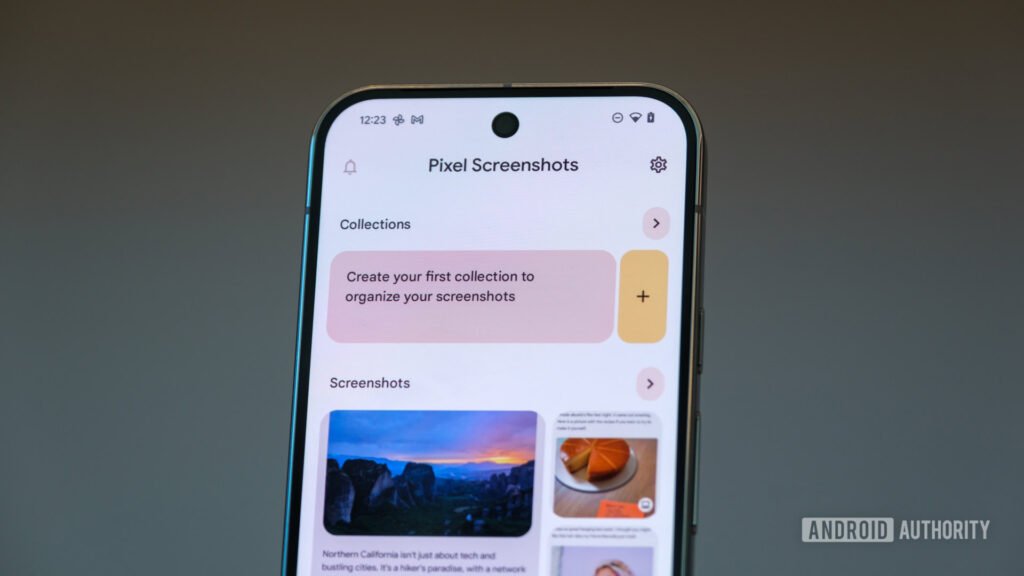
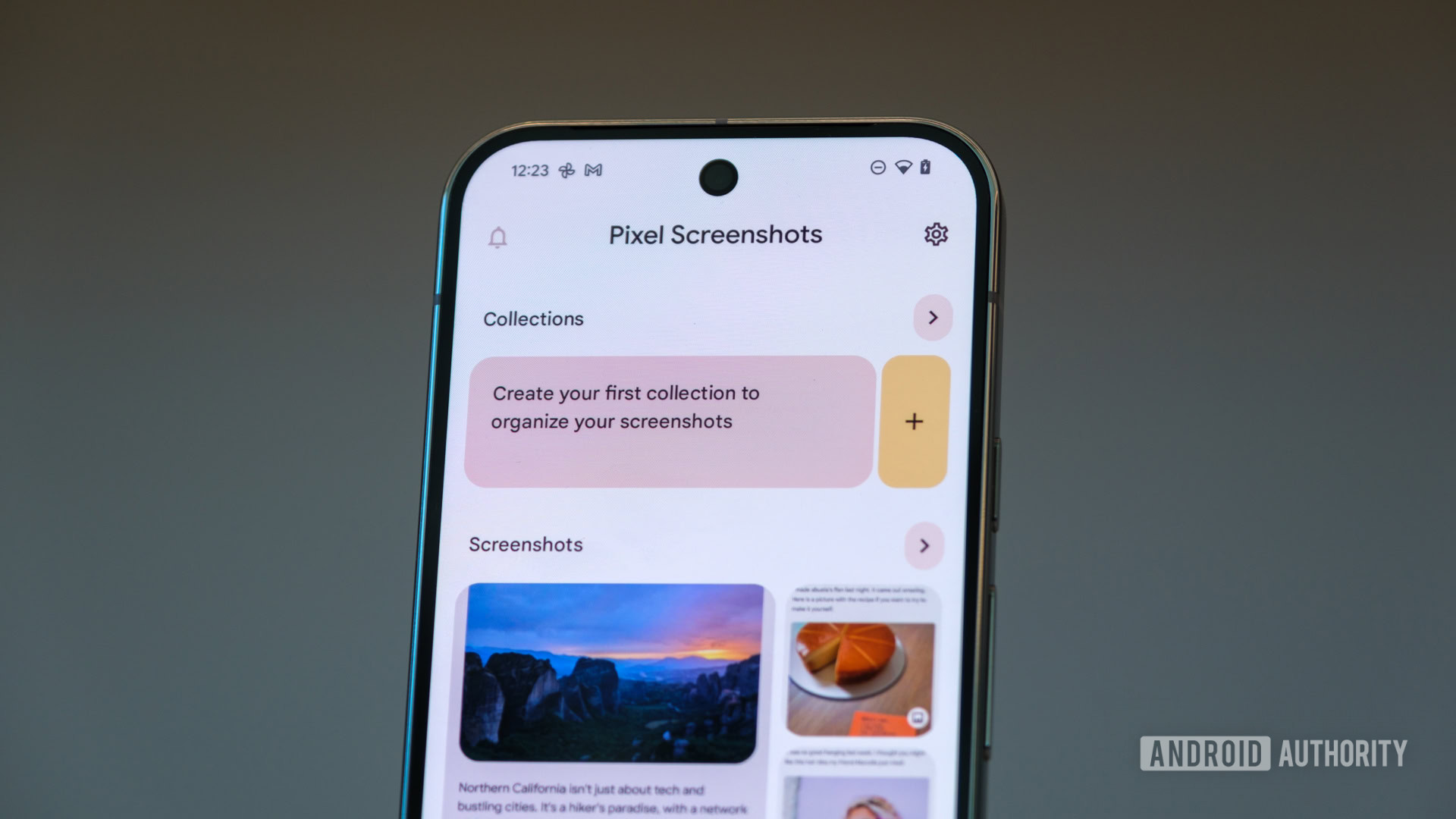
- Google has updated the Pixel Screenshots app (v1.26.281.05) to add essential date-range and source-filtering options.
- Users can now sort screenshots by the specific app they were taken in and combine multiple filter criteria simultaneously.
- The update addresses long-standing complaints about the app’s lack of basic organizational features.
Google recently updated the Pixel Screenshots app to switch from exclusively using on-device AI to using cloud-based AI for some of its processing. This change understandably miffed some users, worsened by the app’s rather bare-bones feature set. Google wants to win back some of these users, but it’s now doing so by adding more features to Pixel Screenshots, and frankly, these should have been present from the beginning.
The latest Pixel Screenshots app v1.26.281.05 is rolling out to users through the Play Store and brings along the “Filters” feature. Before this update, Pixel Screenshots provided readymade chip-style filters for products, places, promo codes, etc., based on information present in the screenshot, essentially categorizing it.